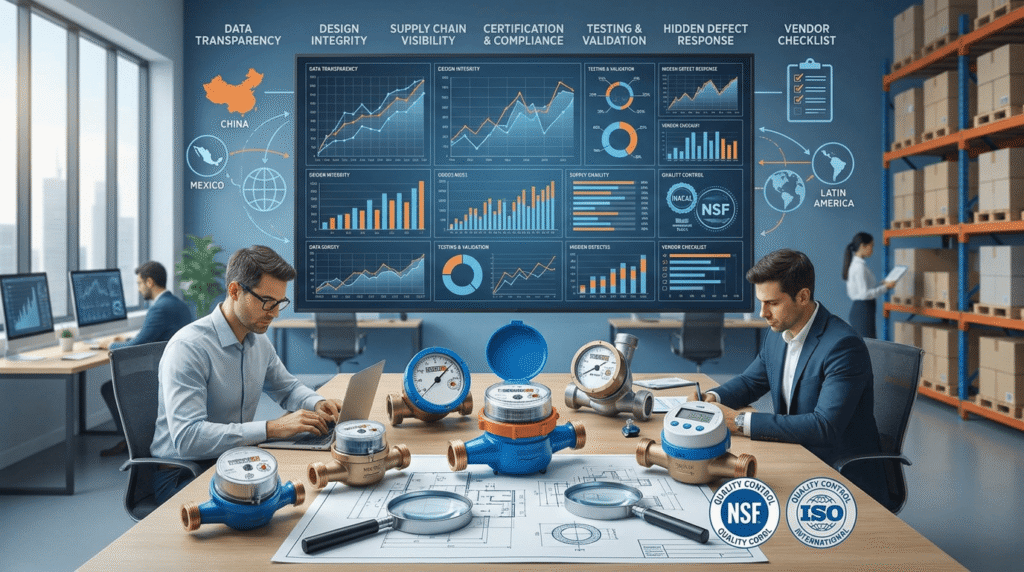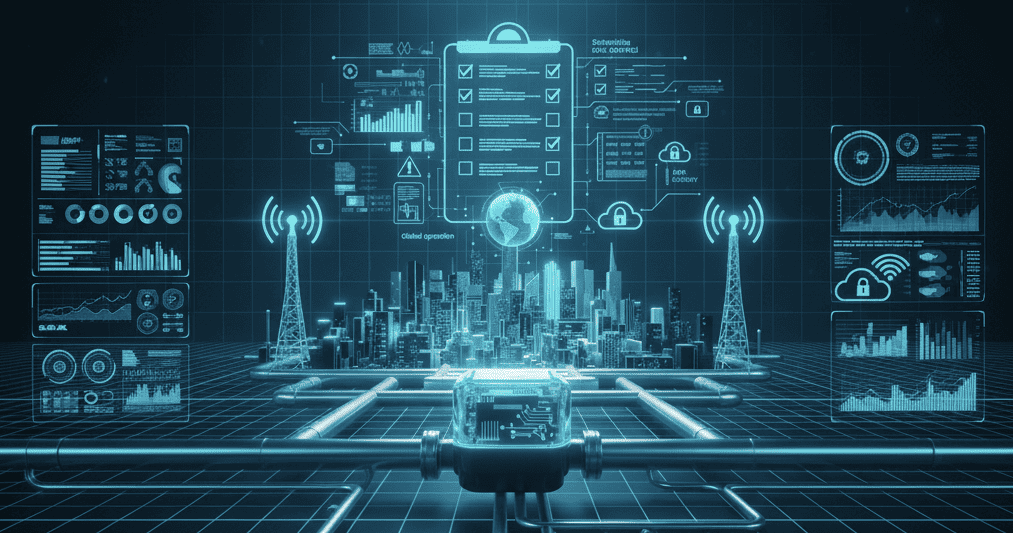
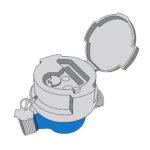

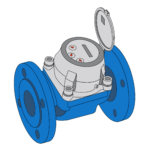

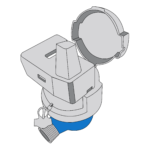

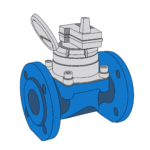

Smart metering disputes become difficult when nobody has evidence. Emotions grow fast. I use firmware records and event logs to rebuild facts.
Smart water meter firmware updates and event logs help resolve disputes by showing what happened, when it happened, which device recorded it, and whether the issue came from metering, installation, communication, configuration, or operation.
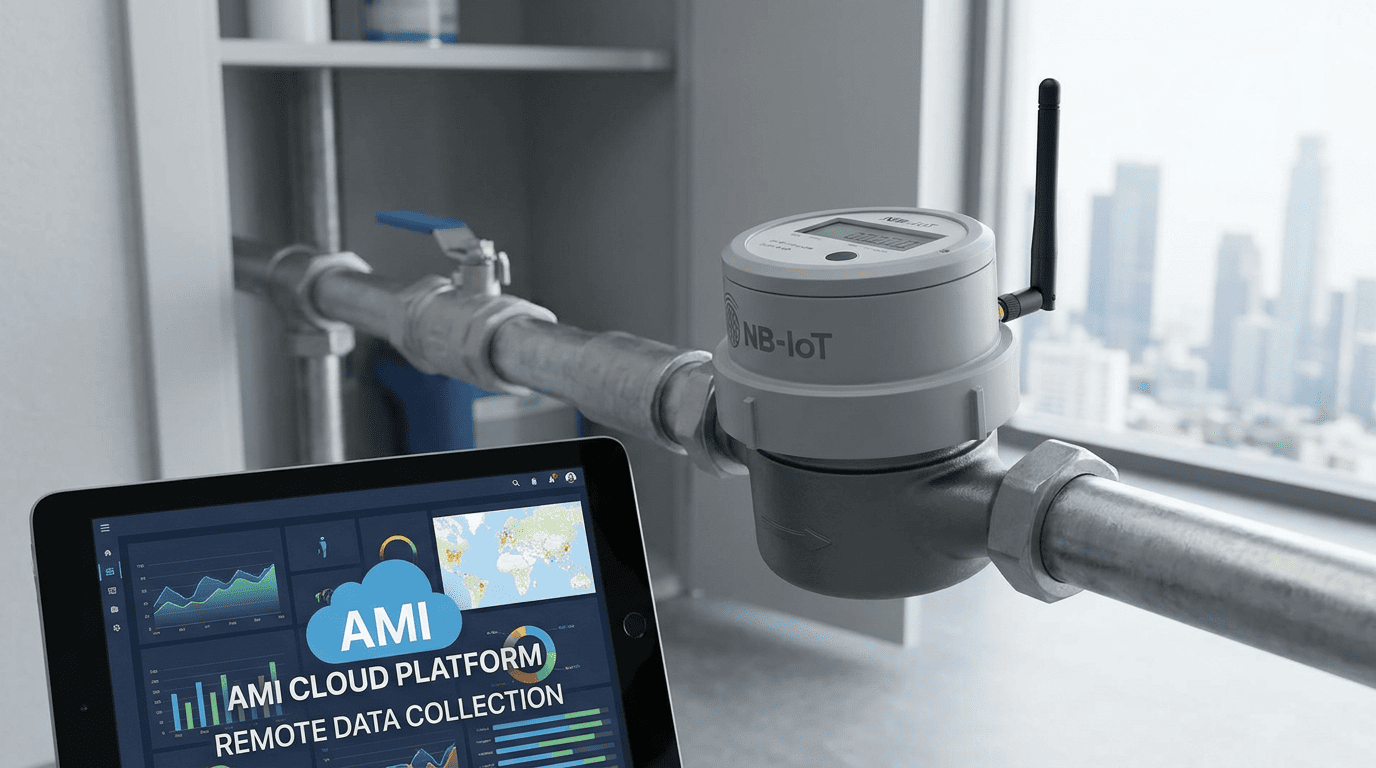
I see remote event records and firmware management as a way to turn “unclear” arguments into technical cases with data, timestamps, version history, and repeatable review steps [1]. The meter supports the work, but it does not replace field verification, customer communication, or utility process control.
What Do Firmware and Event Logs Capture in Smart Meters?
A smart meter without records leaves teams guessing. Guessing creates blame. I first check what the device can actually record.
Firmware and event logs may capture software version, configuration changes, upload history, battery status, valve commands, alarms, reverse flow, dry pipe, magnetic interference, communication failures, and timestamps.
I Separate Measurement Data, Event Data, and Firmware Data
I do not treat all smart meter data as the same. Consumption data tells me volume. Event data tells me what happened around the meter. Firmware data tells me which software logic was running when the event happened.
In a smart water meter project, firmware is the embedded software that controls meter behavior. It may control data collection, alarm logic, display behavior, upload rules, valve operation if the meter has a valve, and local storage rules. Event logs are records created by the meter or platform when certain conditions occur. These may include low battery, leakage alarm, reverse flow, dry pipe, magnetic interference, valve fault, communication failure, time synchronization, power reset, or parameter change.
Not every smart meter supports every log type. The tender should define which records are required, how long they must be stored, and whether they are stored in the meter, head-end system, cloud platform, or all three.
| Record Type | Typical Content | Why I Check It |
|---|---|---|
| Firmware version | version number and update date | confirms software logic |
| Configuration log | reporting cycle and alarm threshold | checks project settings |
| Consumption log | daily or hourly reading | supports billing review |
| Alarm log | leakage, reverse flow, dry pipe | supports field diagnosis |
| Communication log | upload time and failure events | separates meter and network issues |
| Battery log | low battery or voltage record | checks power-related risk |
| Valve log | open or close command if applicable | verifies command history |
| Tamper log | magnetic interference or cover event | supports investigation |
This is important because the article topic itself is built around firmware updates and event logs as project evidence [1]. But I always remind utilities that logs must be interpreted inside the full system. A smart meter may measure and store events, but the project also needs communication coverage, correct meter registration, gateway or telecom readiness, platform mapping, alarm rules, and a field response process.
A log is not automatically the truth. It is a technical record. I compare it with site photos, installation records, billing records, customer complaints, and test data.
How Can Logs Resolve Billing Disputes in Real Cases?
Billing disputes become emotional when customers only see a high bill. Logs can show whether the usage pattern supports the bill.
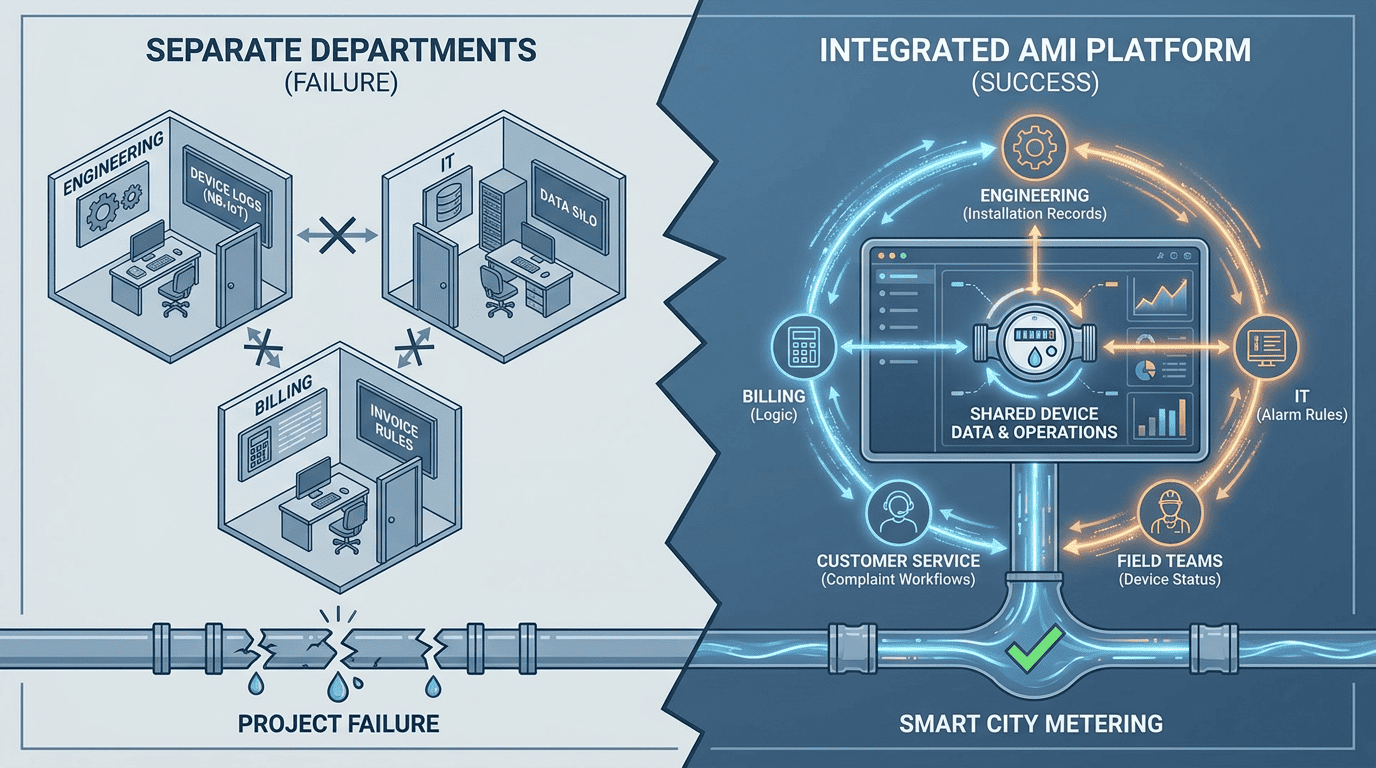
Event logs help resolve billing disputes by linking consumption changes with timestamps, alarms, reverse flow records, leakage events, valve status, communication gaps, and configuration history.
I Use the Timeline Before I Give an Opinion
In billing disputes, I build a timeline first. I do not start by saying the customer is wrong or the meter is wrong.
A typical case starts with a complaint: “My bill doubled.” I ask for the meter serial number, customer account, local display photo, platform reading, billing period, historical usage, and event log. If the meter supports hourly or daily records, I compare the abnormal period with the customer’s normal pattern.
If the log shows continuous low flow for many hours, I consider internal leakage, toilet leakage, pipe leakage after the meter, or unattended equipment. If the log shows a sudden spike at a clear time, I ask whether there was cleaning, construction, tank filling, irrigation, cooling system operation, or fire system testing. If the log shows communication gaps but the local meter reading increased normally, the issue may be remote data collection or platform synchronization, not metrology.
| Dispute Question | Log Evidence I Review |
|---|---|
| Was the high bill real? | consumption trend and local reading |
| Was there continuous flow? | leakage or minimum-flow event |
| Was the meter reversed? | reverse flow record |
| Was the account mapped correctly? | meter ID and customer account |
| Was there a data upload issue? | communication log |
| Did settings change? | configuration and firmware history |
| Was the meter disturbed? | tamper or magnetic event |
This approach matches the broader idea of separating emotion from facts in disputes [4]. It also supports the transparency approach of using evidence formats that non-engineers can understand [2].
I avoid saying a smart meter “proves everything.” It does not. A log can show events and timing, but it may not explain why the event happened. Field inspection may still be required. The meter supports billing data quality, but it does not replace leak repair, customer education, or billing system verification.
How Can Logs Diagnose Installation and Network Issues?
Many smart meter complaints are not meter faults. They are installation, signal, registration, or platform problems.
Logs diagnose installation and network issues by showing upload failures, signal changes, dry pipe events, reverse flow, abnormal resets, battery status, wrong reporting cycle, and missing platform acknowledgments.
I Treat Communication as a Project System
When a smart meter stops uploading, I do not immediately replace the meter. I check the system path.
For NB-IoT or 4G Cat.1 meters, I check telecom coverage, SIM or local network status, registration, reporting cycle, antenna position, battery status, and platform response. For LoRa or LoRaWAN systems, I check the meter, gateway or concentrator, power supply, local SIM if used, server connection, distance, obstacles, and signal test. For M-Bus or RS485, I check cable polarity, bus power, address conflict, wiring damage, and data collector settings.
Event logs help because they can show whether the meter tried to upload, whether the upload failed, whether battery voltage was low, or whether the meter reset. If the platform shows no data but the meter has local records, I check the communication path. If the meter also has no record, I check installation, battery, or device condition.
| Symptom | Log Clue | Likely Area |
|---|---|---|
| No platform data | upload failure records | network or platform |
| Random missing days | weak signal or timeout | coverage or gateway |
| Reverse readings | reverse flow event | installation or hydraulic issue |
| No consumption | dry pipe or closed valve | site condition |
| Repeated resets | power or firmware event | battery or device |
| Wrong customer bill | ID mismatch | platform mapping |
Reference materials also point to the importance of on-site condition checks such as pressure, water quality, and access during project review [6]. I add signal quality, gateway position, installation direction, full-pipe condition, and platform registration to that checklist.
This is also where documentation prevents delay. Import and project problems often come from mismatched standards, testing methods, and documents [3]. In smart metering, I see the same pattern with communication documents, meter IDs, platform mapping tables, and commissioning records.
A log turns a vague complaint into a route map. It tells me where to inspect next.
What Are Best Practices for Firmware Update Policies?
Uncontrolled firmware updates create risk. No update policy is also risky. I prefer a controlled release process.
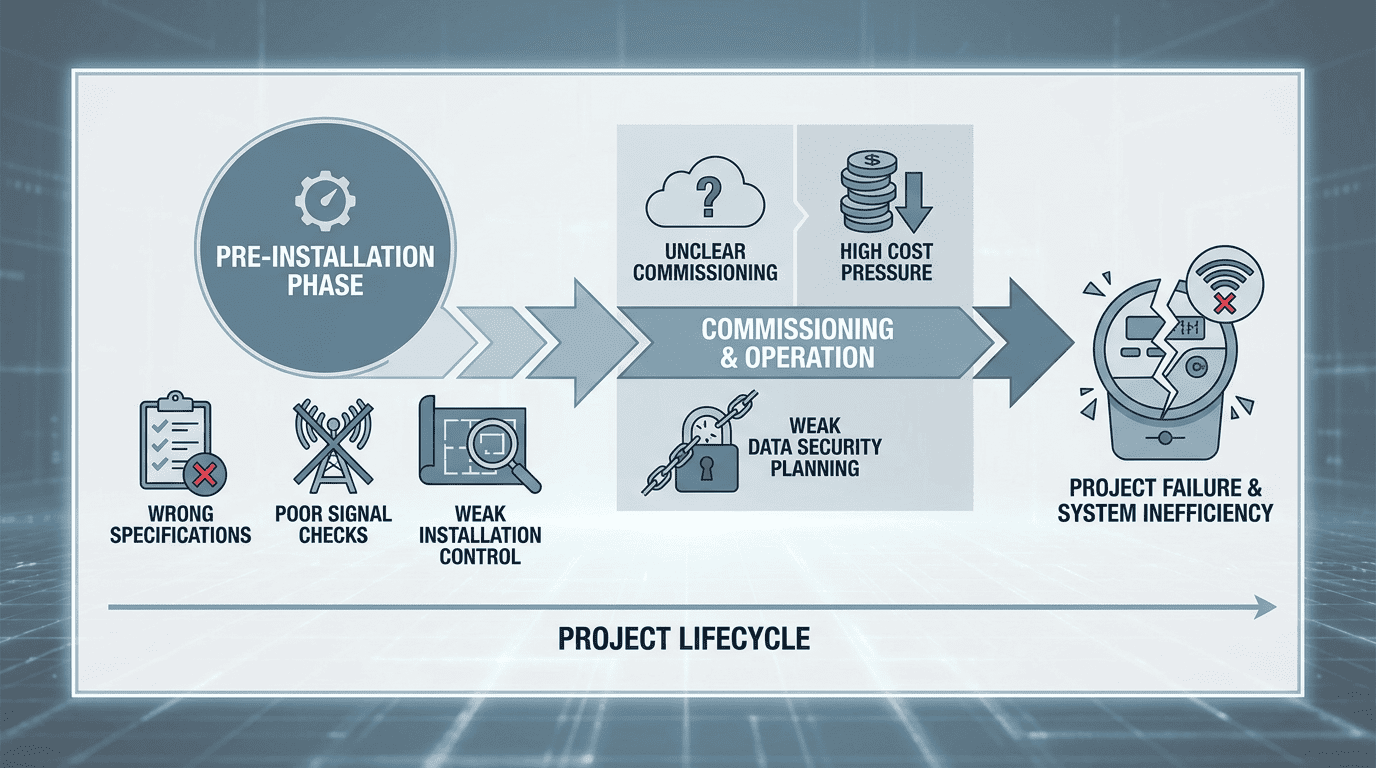
A good firmware update policy defines approval, version control, testing, pilot rollout, rollback method, update window, user permissions, customer notice, audit trail, and post-update verification.
I Never Treat Firmware as a Casual Setting
Firmware affects how a smart meter behaves. So I treat it as a controlled project item.
Before any remote firmware update, I ask several questions. What problem does the update solve? Which meter models and hardware versions are included? Does it affect measurement, display, alarm rules, upload cycle, valve behavior, battery consumption, or communication protocol? Has it been tested in a lab? Has it been tested in a pilot group under local network conditions?
I prefer a staged rollout. First, I test sample meters. Then I update a small pilot group. Then I monitor logs for communication success, battery behavior, alarm behavior, and reading continuity. Only after that would I approve wider deployment.
| Policy Item | My Requirement |
|---|---|
| Version number | unique and traceable |
| Release note | clear change description |
| Approval | utility and supplier sign-off |
| Pilot test | small group before full rollout |
| Rollback | defined recovery method |
| Update window | low-risk time period |
| Audit trail | who, when, what version |
| Post-check | readings, alarms, uploads |
The reference outline identifies firmware update policies as a key section for smart metering dispute resolution [1]. I agree with that because firmware history often explains why behavior changed. If leakage alarm thresholds changed after a version update, the project should know. If upload logic changed, billing teams should know. If valve command handling changed, customer service must know before complaints arrive.
I also avoid updating all meters at once unless the risk is well understood. Actual results depend on network coverage, meter configuration, battery condition, and platform readiness.
A firmware update should reduce uncertainty. It should not create a new dispute.
What Security and Traceability Considerations Matter Most?
Remote update ability is useful, but it also creates responsibility. Weak access control can damage trust.
Security and traceability require authorized access, signed firmware, encrypted communication where applicable, version records, role control, audit logs, rollback records, and clear responsibility for each change.
I Ask Who Can Change What, and How It Is Recorded
Security is not only an IT topic. It is a metering governance topic.
If a smart meter can be updated remotely, the utility must know who can approve the update, who can send it, who can see the result, and who can reverse it if needed. I also ask whether the firmware package is signed, whether update communication is protected, and whether the meter rejects unauthorized firmware.
Traceability is just as important. Every change should leave a record. The record should include meter ID, old firmware version, new firmware version, update time, update result, operator or system account, and post-update status. If the update fails, the log should show failure reason where supported.
| Security Question | Why It Matters |
|---|---|
| Is firmware signed? | reduces unauthorized code risk |
| Who approves updates? | controls project responsibility |
| Who sends updates? | limits operational risk |
| Is access role-based? | prevents unnecessary permissions |
| Is the result logged? | supports dispute review |
| Is rollback possible? | supports recovery |
| Are logs protected? | preserves evidence integrity |
The broader reference materials mention opening up test methods, labs, and certificates as part of transparency [2]. I apply the same idea to firmware and logs. Utilities do not need to expose sensitive security details publicly, but they do need a transparent internal evidence chain.
If a billing dispute occurs after a firmware change, the utility should not rely on memory. It should retrieve the update record. If a valve-controlled smart meter closes unexpectedly, the utility should check command logs, policy rules, arrears status, customer account mapping, and firmware history.
Security protects the system. Traceability protects the decision.
How Can Utilities Build Processes Around Logs and Updates?
Logs are valuable only if someone reviews them. Firmware control works only if the process is clear.
Utilities should build processes for log review, alarm classification, firmware approval, pilot updates, customer complaint handling, evidence storage, escalation, and continuous improvement.
I Prefer a Repeatable Workflow Over Personal Experience
I see many utilities depend on one experienced engineer. That works until the engineer is unavailable.
A better process starts with standard event categories. For example, leakage alarm, reverse flow, dry pipe, magnetic interference, low battery, communication failure, valve fault, firmware update, configuration change, and manual service event. Each category should have a response rule.
A leakage alarm may trigger customer notification or field inspection. A communication failure may trigger remote diagnosis first. A reverse flow record may trigger installation review or hydraulic investigation. A firmware update record may trigger post-update monitoring.
| Event Type | First Response |
|---|---|
| Leakage alarm | compare trend and inspect site |
| Reverse flow | check direction and backflow condition |
| Dry pipe | check valve and supply status |
| Low battery | schedule replacement or inspection |
| Communication failure | check network, gateway, platform |
| Magnetic event | inspect seal and site |
| Firmware update | verify version and upload status |
| Configuration change | confirm authorization |
The reference material about transparency mentions building a repeatable testing and reporting process [2]. That same principle applies here. The utility should not handle every complaint as a new story. It should use a repeatable case file.
I also connect logs with complaint analytics. Reference material highlights using complaint analytics to plan market entry and understand patterns [5]. In an operating utility, the same idea helps identify districts with signal problems, meter pits with flooding, frequent reverse flow, or repeated low battery reports.
Firmware and event logs become more powerful when they are part of a loop: detect, classify, verify, act, document, and improve. Without that loop, the platform becomes a storage box instead of a decision tool.
How Should Technical Evidence Be Communicated to Non-Technical Stakeholders?
Raw logs can confuse customers and managers. Poor explanation turns evidence into another argument.
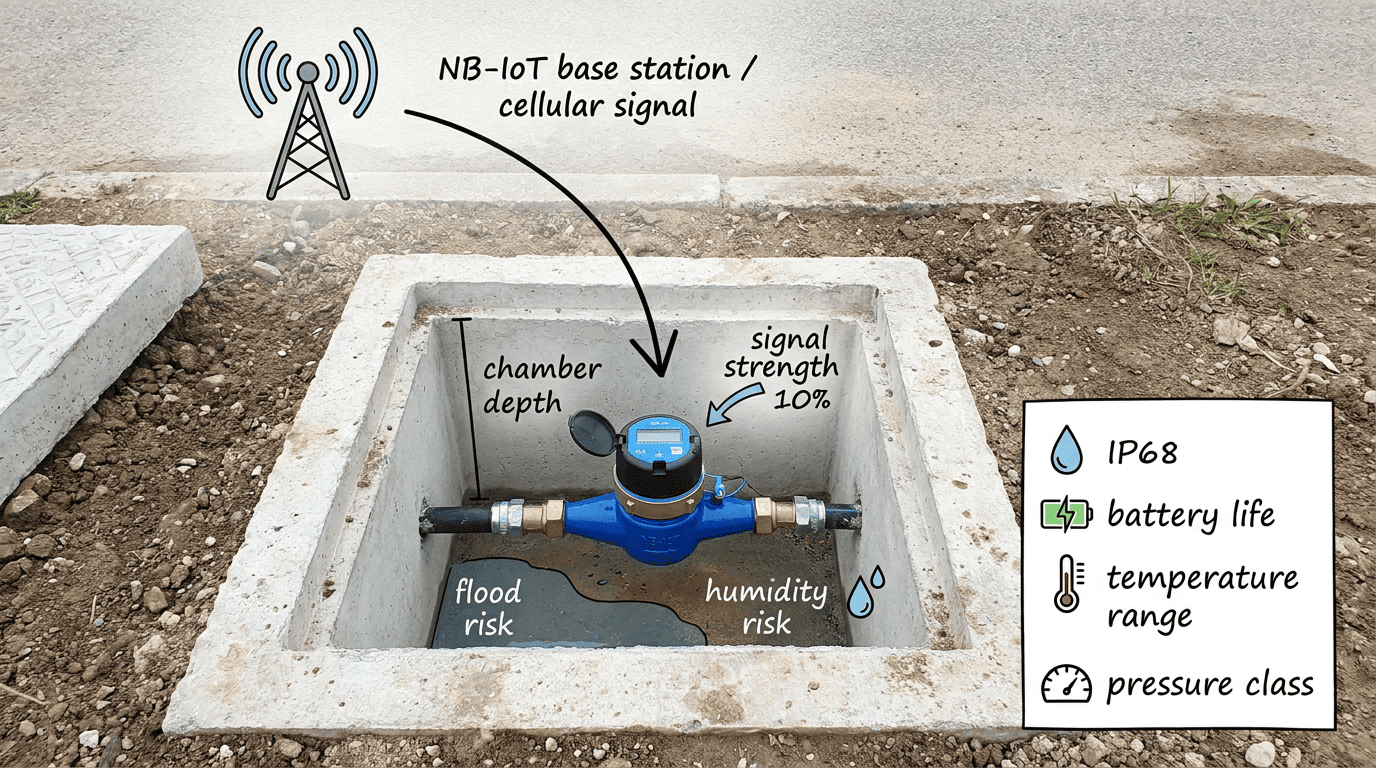
Technical evidence should be translated into a simple timeline, clear cause category, plain-language explanation, visual chart, action taken, and next step for the customer or project team.
I Turn Logs Into a Story of Facts
When I explain a dispute to a non-technical stakeholder, I do not show a long export table first. I show a timeline.
For example:
| Time | Evidence | Meaning |
|---|---|---|
| Jan 3, 02:00 | continuous flow starts | possible internal leakage |
| Jan 3-10 | hourly usage continues | not a one-time reading error |
| Jan 8 | leakage alarm recorded | meter detected abnormal pattern |
| Jan 11 | customer complaint received | billing review started |
| Jan 12 | site inspection completed | toilet leak found |
This format is easier for customer service, procurement, finance, and residents. It supports the reference theme of communication formats that non-engineers understand [2]. It also helps separate emotion from facts in disputes [4].
I avoid words like “the customer is wrong.” I prefer “the available records show continuous flow during the billing period.” I also avoid saying “the meter is perfect.” I prefer “the meter records and platform logs support this sequence, and the site inspection should confirm the physical cause.”
For managers, I summarize by cause category. Was it a meter issue, installation issue, communication issue, billing mapping issue, customer-side leakage, or unclear case? For engineers, I attach detailed logs. For customers, I provide a readable explanation.
| Audience | Evidence Format |
|---|---|
| Customer | timeline and plain-language summary |
| Customer service | case code and action script |
| Engineer | raw logs and site records |
| Procurement | batch and supplier traceability |
| Management | dashboard and trend analysis |
| Supplier | serial number, firmware, logs, photos |
Good communication does not hide technical detail. It organizes detail so each person can make the right decision.
Conclusion
Specify event logs, firmware control, security, update policy, platform records, and evidence formats before rollout. Then disputes become traceable technical cases, not memory-based arguments.
Need help applying this to your project?
Send your meter size, target market, and certification requirement. YOUNIO will reply with a technical checklist.